

Sign in
Accessing the Operator Console, session lifetime, and signing out
The Operator Console accepts only the single operator account. Regular user accounts cannot sign in.
Access
In a browser, navigate to the Operator Console URL. If you are not signed in, you are taken to the sign-in screen automatically.
URL format
https://<deployed-domain>/adminExamples
https://collabops.example.com/admin
https://collabops.acme.corp/admin
Replace <deployed-domain> with the domain of the on-premise server where your team installed CollabOps. If you don't know the domain, ask the deployment owner.
Signing in
Admin username — enter the operator account username.
Password — enter the operator account password.
Click Sign in.
On a successful sign-in, you are taken to the user management screen.
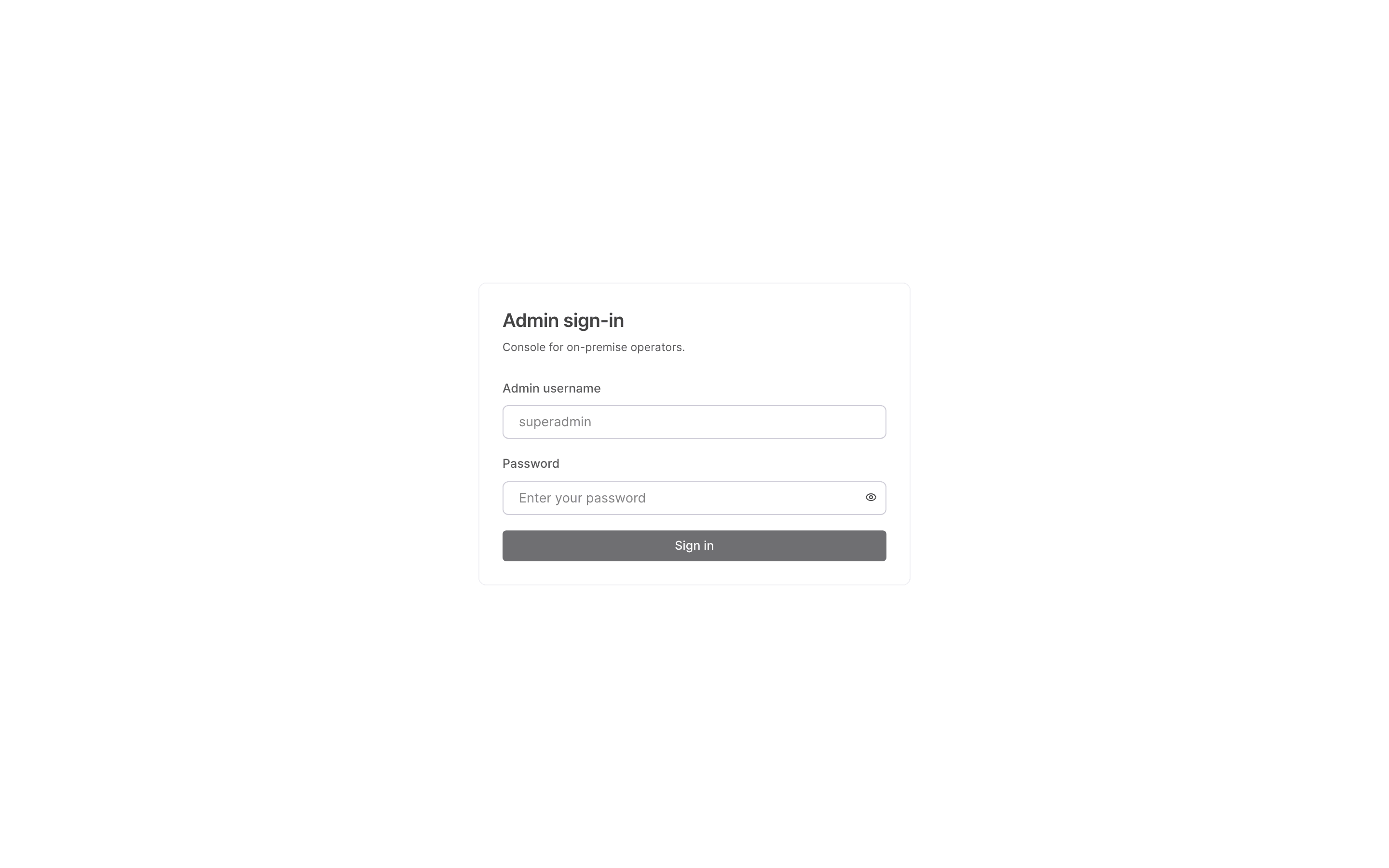
Regular users sign in with an email or a username, but the operator signs in with the username only.
Signing out
Click the sign-out button at the top-right of the console header to end the session immediately and return to the sign-in screen. Always sign out if you worked on a shared machine.
When sign-in fails
If the username or password is incorrect, the message “That username or password didn't work” appears. Check that your input exactly matches the operator environment variables configured for the deployment. If the console path itself responds with Not Found (404), the deployment is not in on-premise mode or the environment variables are not set — contact the deployment owner.